User Login
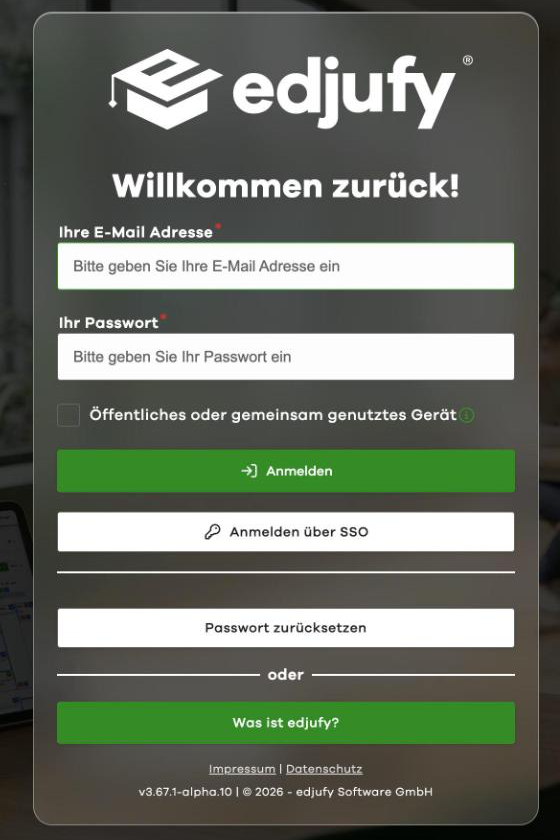
To work with edjufy, simply log in with your personal credentials at http://my.edjufy.com. You defined these yourself during the Initial Registration. If you have forgotten your password, you can reset it at https://my.edjufy.com/login/problem.
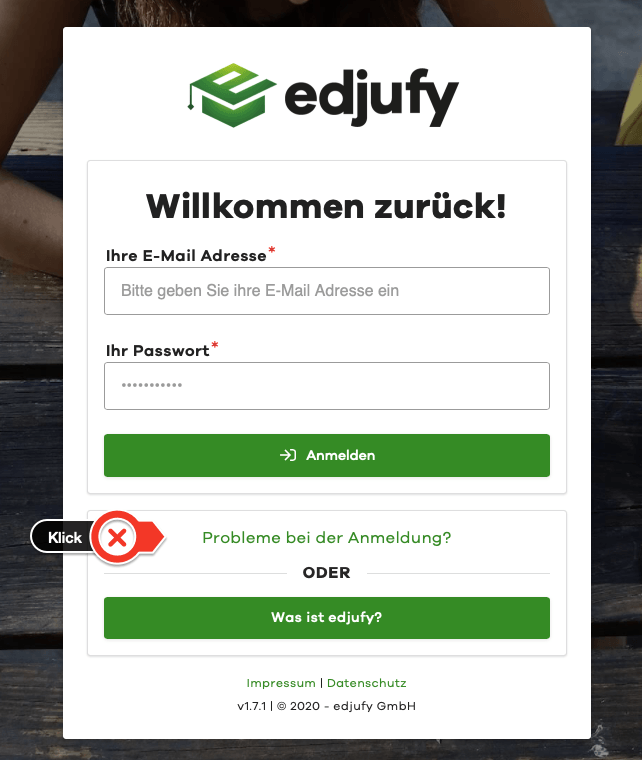
If you have forgotten your password, the Login Problems link on the login page will take you directly to the password reset.
If you are using a device that other people also use, tick Public or shared device when you log in. edjufy then logs you out automatically after 2 hours without activity, after 12 hours at the latest and when you close the browser, and does not save your email address on this device.
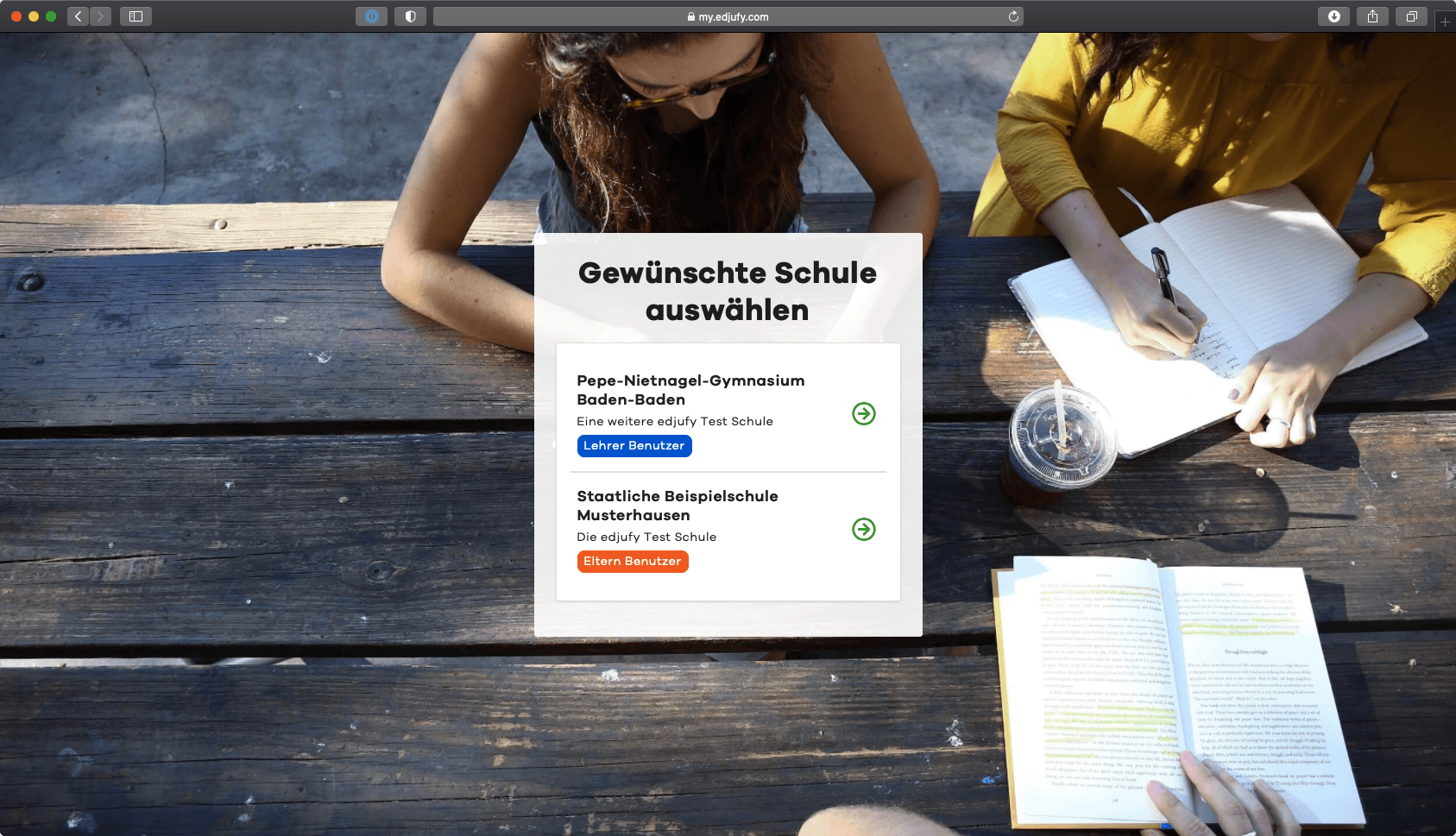
Select Desired School at Login
edjufy is a multi-account capable application that allows you to have different roles at various schools. If you have an account as both a teacher and a parent at different schools, please select the desired school after logging in.
Login Problems
If you have problems logging in or have forgotten your password, the "Login Problems?" link on the login screen will take you directly to the password reset. If you have forgotten your password, you can reset it at https://my.edjufy.com/login/problem.
If a wrong password or a wrong two-factor authentication code was entered 5 times, edjufy temporarily blocks sign-in with a password: for 5 minutes at first, after repeated failed attempts for 15 and then 60 minutes. The login page then shows Sign-in temporarily blocked and states the time from which you can try again. You also receive an email with a link to reset your password. Devices on which you are already logged in stay logged in. If you reset your password, the block is lifted right away. Your school cannot lift this block.
If you have not yet received an email invitation to edjufy, please check your inbox and contact your class teacher or the responsible edjufy system administrator.